
The setup of Sp Design Plus requires the following steps:
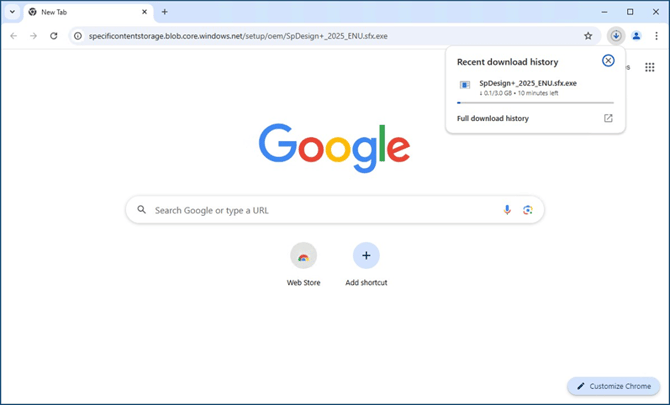
- Download the Specifi Design Plus 2025 OEM engine at the following link: https://specificontentstorage.blob.core.windows.net/setup/oem/SpDesign+_2025_ENU.sfx.exe As it’s an executable file, make sure you your Antivirus or Firewall doesn’t block the download.
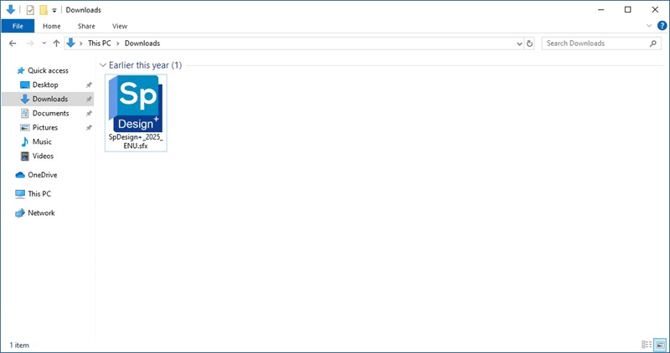
- Run the file just downloaded SpDesign+_2025_ENU.sfx.
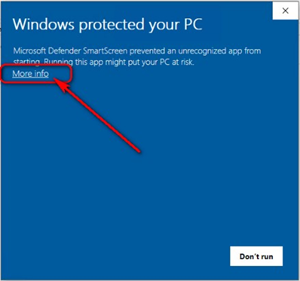
- If Windows Defender SmartScreen message appears, Click More info
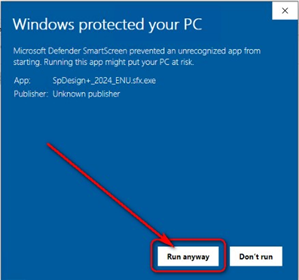
- Then click Run anyway
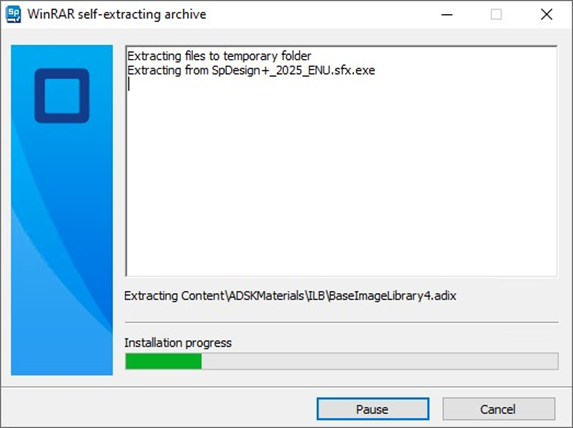
- The setup process extracts the files:
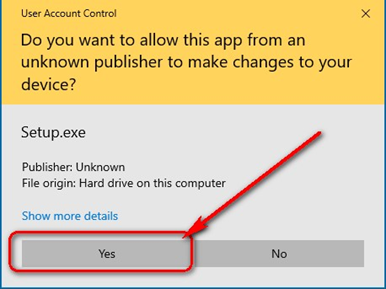
- If Windows User Account Control message box appears, click Yes button to confirm.
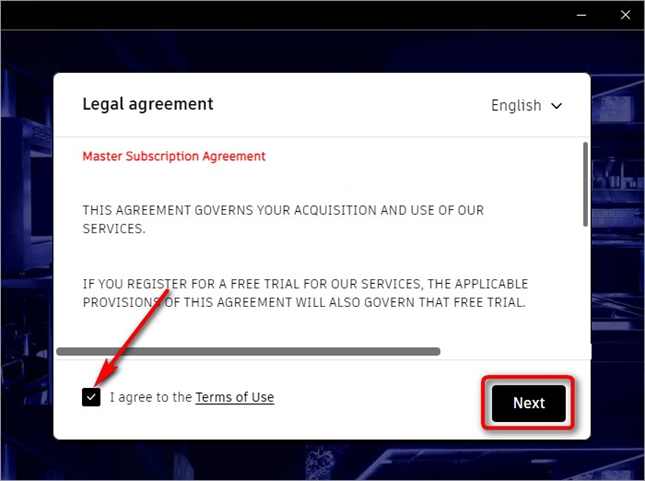
- Specifi Design Plus OEM starts. Click I agree to the Terms of Use and press Next button.
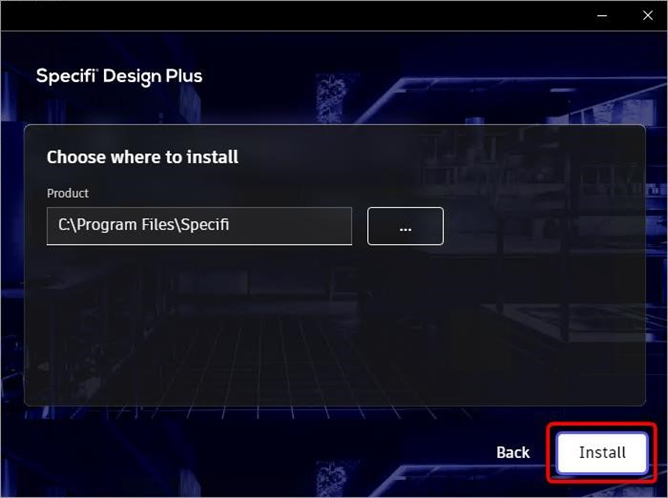
- Select the installation folder (we suggest to leave it the default). And click Install button
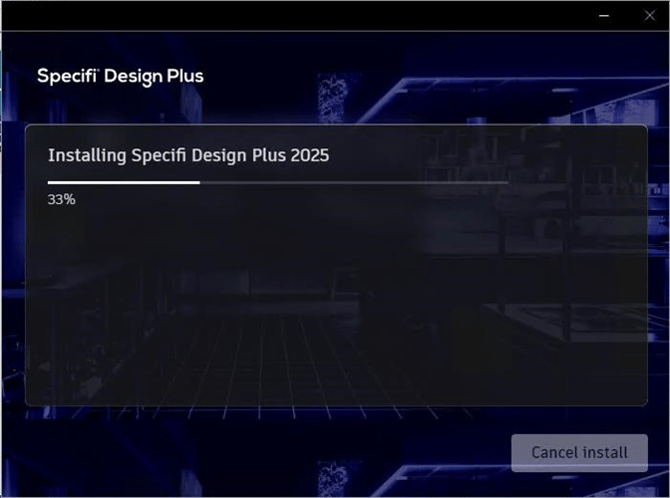
- Wait until the installation is completed.
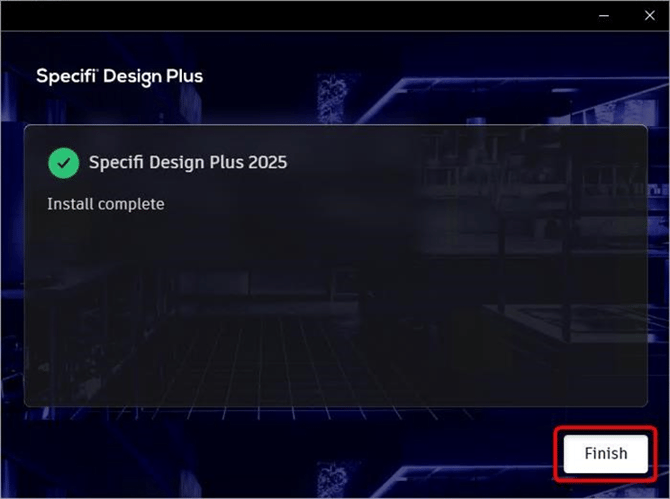
- Once installed, click Finish button to end the installation process.
- Once installed, the Specifi Design Plus icon appears on your desktop.
- Right click over it and select Properties, then select Compatibility tab.
Click “Change high DPI settings” button and check the “Override high DPI scaling behavior” option.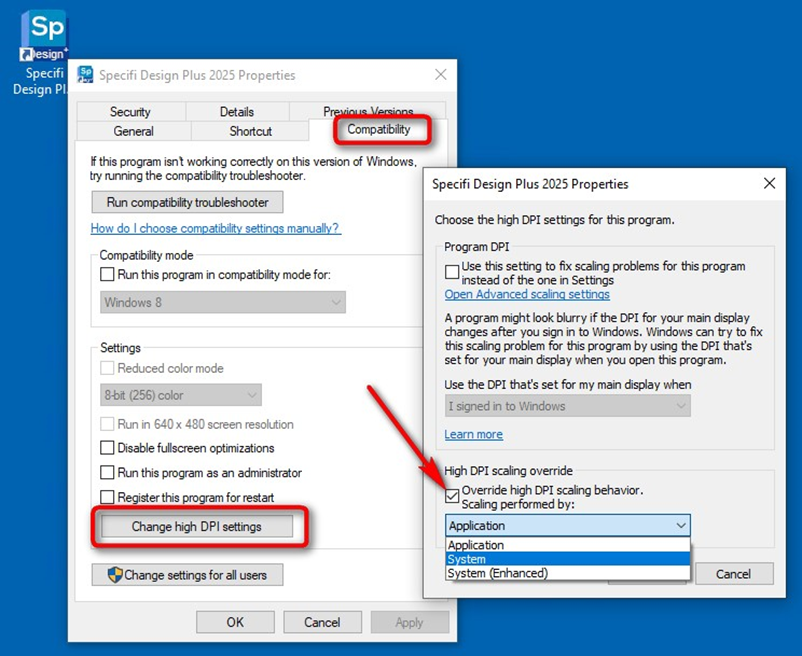
From the dropdown list, please select System, then click OK button. And OK again to close the properties.
Before running Specifi Design Plus, please download and install Specifi Design Plugin.